
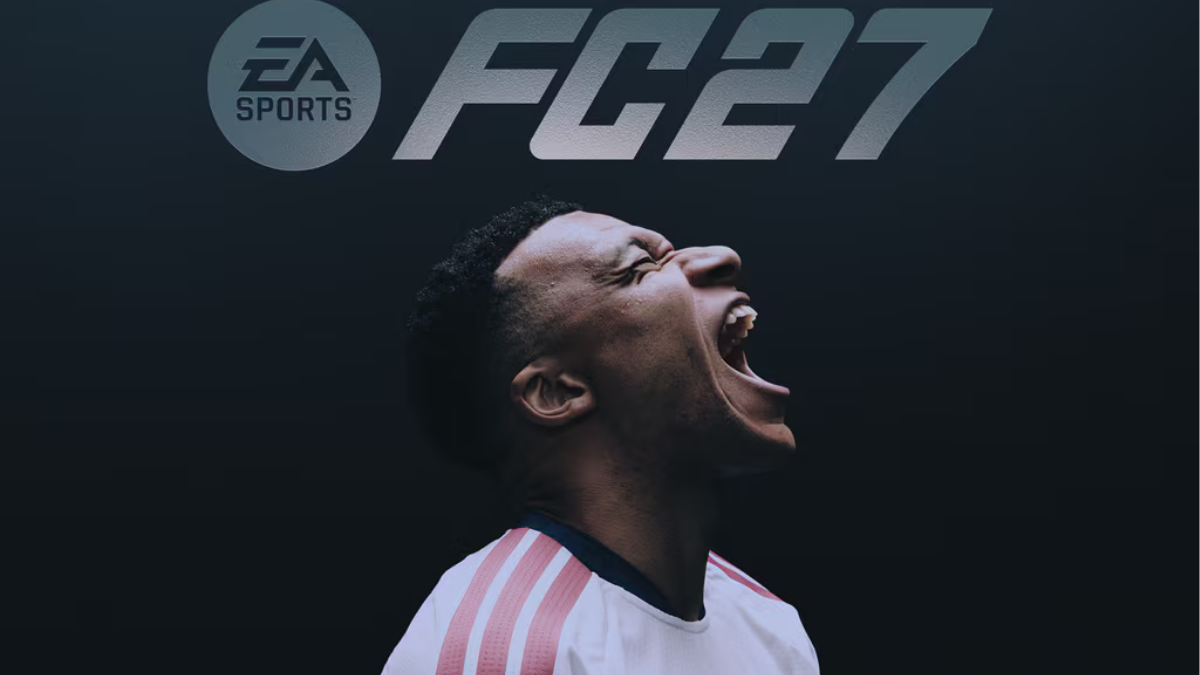
Are you looking for an easy way to download FIFA online on your PS5? Whether you are a football gaming enthusiast or a beginner who has recently purchased a PlayStation 5, downloading and installing FIFA is a straightforward process.
FIFA has been one of the most popular football video game franchises in the world. However, the franchise is now known as EA SPORTS FC following the end of the FIFA and EA partnership. This means that newer football games are released under the EA SPORTS FC name rather than the FIFA brand.
In this guide, you will learn how to download FIFA (EA SPORTS FC) online on PS5, how to purchase the game from the PlayStation Store, how to install it, and how to start playing.
1. What You Need Before Downloading FIFA on PS5
Before downloading FIFA or EA SPORTS FC on your PlayStation 5, make sure you have everything required.
Here is what you need:
- A PlayStation 5 console.
- A stable internet connection.
- A PlayStation Network account.
- Access to the PlayStation Store.
- Enough free storage space on your PS5.
- A valid payment method or PlayStation Store wallet balance if purchasing the game.
Having these requirements ready will make the downloading process easier.
2. How to Download FIFA Online on PS5
The easiest way to download FIFA on PS5 is through the official PlayStation Store.
Follow these simple steps:
Step 1: Turn on your PS5
Switch on your PlayStation 5 and connect it to the internet.
Step 2: Sign in to your PlayStation Network account
Log in using your PlayStation Network account details. If you do not have an account, follow the instructions on your console to create one.
Step 3: Open the PlayStation Store
Navigate to the PlayStation Store icon on your PS5 home screen.
Step 4: Search for FIFA or EA SPORTS FC
Use the search function to look for EA SPORTS FC. You can also search for a specific edition of the game.
Remember that newer FIFA-style football games are listed under the EA SPORTS FC name.
Step 5: Select your preferred game edition
Choose the edition you want to purchase. Check the product information carefully to ensure that you are selecting the PS5 version.
Step 6: Purchase the game
Select the purchase option and complete the payment process using an available payment method.
Step 7: Download and install the game
After purchasing the game, select Download. Your PS5 will begin downloading and installing the game automatically.
Once installation is complete, you can launch the game from your home screen or Game Library.
3. How to Download EA SPORTS FC on PS5 for Free
Many players search for ways to download FIFA or EA SPORTS FC for free on PS5.
Although the full game is generally sold as a paid product, there are a few legitimate ways to access football gaming content without purchasing the full game at its standard price.
Here are some options:
PlayStation Plus: Check whether a particular EA SPORTS FC title is included in your PlayStation Plus subscription catalogue or monthly game offerings. Availability changes over time.
Free Trials: Occasionally, EA or PlayStation may offer limited-time trials that allow players to experience the game before purchasing it.
Promotional Offers: Check the PlayStation Store for seasonal discounts and special promotions.
Free-to-Play Football Games: You can also explore free football games available on the PlayStation Store, such as eFootball.
Always use official PlayStation and EA platforms when downloading games.
4. How to Install FIFA on PS5
Once your download is complete, the PS5 normally installs the game automatically.
If you cannot find your downloaded game, follow these steps:
- Go to your PS5 home screen.
- Open Game Library.
- Select Your Collection.
- Find EA SPORTS FC.
- Select the game and check its installation status.
- Wait for any remaining installation or update process to finish.
Make sure your console has enough storage space to complete the installation.
5. How to Play FIFA Online with Friends on PS5
After installing EA SPORTS FC, you can enjoy online football matches with other players.
Follow these steps:
- Launch EA SPORTS FC.
- Make sure your PS5 is connected to the internet.
- Sign in to your EA Account if required.
- Navigate to the online multiplayer section.
- Choose your preferred online game mode.
- Invite your friends or search for an online opponent.
Depending on the game mode, an active PlayStation Plus subscription may be required for online multiplayer.
Some free-to-play online games have different subscription requirements.
6. How to Fix FIFA Download Problems on PS5
Sometimes, you may experience problems when downloading or installing EA SPORTS FC on your PS5.
Here are some common problems and possible solutions.
Slow Download Speed
If your download is taking too long, check your internet connection. Consider using a wired Ethernet connection for a more stable connection.
Not Enough Storage Space
Delete games or applications you no longer use to free up storage space. You can also check your PS5 storage settings.
Download Stuck or Paused
Open the Downloads/Uploads section and check whether your game download is paused. Resume the download if necessary.
Game Not Appearing in Your Library
Check your Game Library and confirm that you are signed in to the PlayStation Network account used to purchase the game.
Payment Problems
Check your payment details and PlayStation Store wallet balance. You can also try another supported payment method.
7. Can You Download FIFA on PS5 Without a Disc?
Yes! You can download EA SPORTS FC digitally without purchasing a physical game disc.
Simply visit the PlayStation Store, purchase the digital version, and download it directly to your PS5.
Digital downloads are convenient because you do not need to insert a disc every time you want to play.
However, make sure you purchase the correct PS5-compatible version before completing your payment.
8. Where to Buy FIFA Games for PS5
The safest place to purchase FIFA-style football games for PS5 is the official PlayStation Store.
You can also purchase physical copies from authorised game retailers.
Before buying, compare the available editions and check the features included in each version.
Look out for:
- Standard Edition.
- Ultimate Edition, where available.
- Special promotional editions.
- Discounted digital editions.
Prices and available editions may vary depending on your country and the PlayStation Store region.